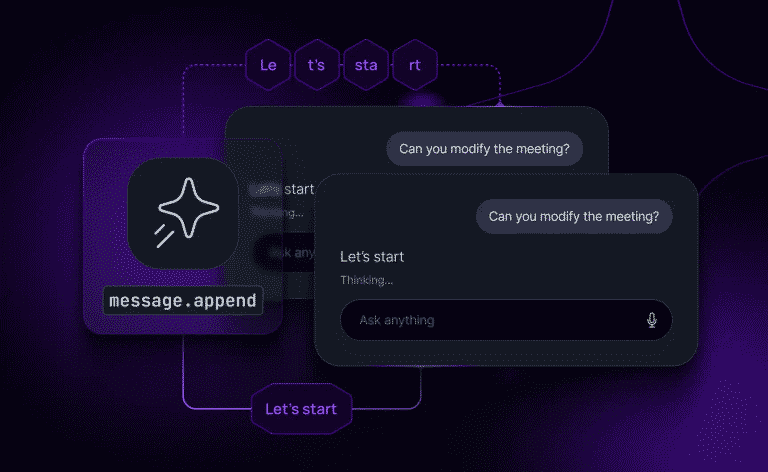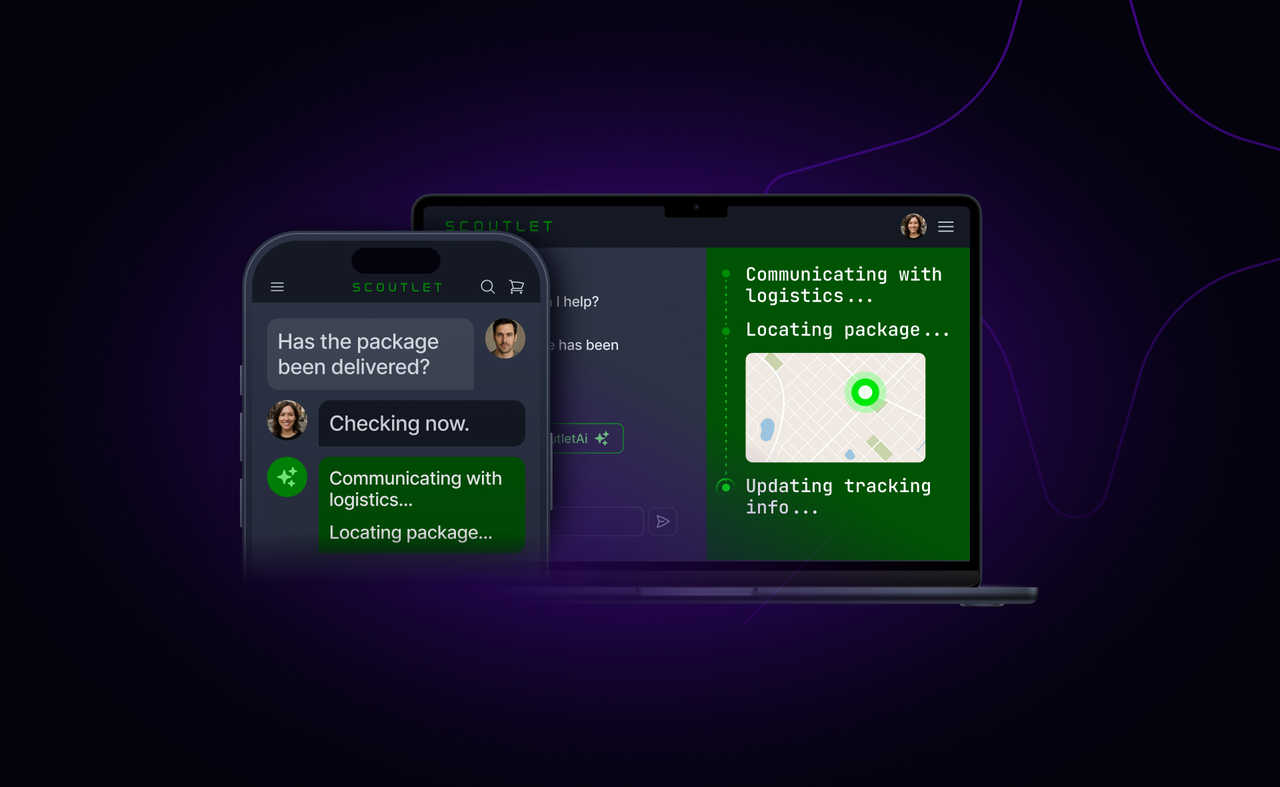
Start a conversation on your laptop, finish it on your phone. The context just follows you. That's what cross-device AI sync delivers, and it's quickly becoming a baseline expectation for what some are calling Gen-2 AI products. Whether you're building an AI assistant, a support agent, or a multi-step research tool, the expectation is the same: one continuous thread across every screen. No reloading history, no reintroducing yourself, no re-explaining what you already told the agent three messages ago.
This post covers why cross-device continuity is technically hard with standard web delivery, and what your transport layer needs to make it work.
Key takeaways
- HTTP streaming ties AI sessions to a single connection. Switch devices and the session is gone, because each connection is independent with no shared state.
- Cross-device AI sync requires five transport capabilities: persistent bi-directional messaging, identity-aware fan-out, message ordering, session recovery, and presence tracking.
- In AI customer support, the session must persist through device switches and human handoffs without the customer experiencing a break.
- Most teams building cross-device AI independently arrive at the same architecture: a channel-based session layer that decouples state from connection.
AI conversations must survive the device switch
Modern users have grown to expect realtime, uninterrupted experiences from their apps and AI tools. They want instantaneous responses, continuous interactions, and no interruptions as they move between devices. This expectation extends to AI-powered experiences: if you start a conversation with an AI assistant on your laptop, you should be able to pick it up on your phone or another tab without missing a beat. Equally, if you have initiated a long-running asynchronous task you want to be notified once it’s completed, no matter which device you’re using at the time.
Why do AI conversations break when you switch devices?
SSE streams are point-to-point: one server, one client, one connection. When a second device connects, it is a completely new actor to the server. There is no shared state, no identity mapping across sessions, and no mechanism to replay what the first device already received.
Two scenarios where this fails in practice:
- A developer building a research assistant closes their laptop mid-stream and opens their phone. The phone has no position in the existing stream. The user sees a blank conversation. The tokens already generated are wasted.
- A customer contacting support starts a query on their phone, then switches to their laptop. The AI agent has already gathered context and started a resolution flow, but the laptop session has none of the context. The customer re-explains. If the AI escalates to a human agent on a different device, that agent opens the session with zero context from either the customer or the AI.
Both fail for the same reason: the session lives in the connection, not in the infrastructure.
For a deeper architectural treatment, see how cross-device conversation sync works. For the protocol-level context on why teams are moving beyond SSE, see Is WebSockets enough for AI chat?
What does a transport layer need for cross-device AI?
Most AI applications stream directly over HTTP, which means the transport and the session are the same thing. When the connection dies, the session dies with it. A dedicated transport layer between the agent and the user decouples them. It needs to handle five things that HTTP streaming does not.
Persistent, bi-directional messaging
SSE is unidirectional: the server pushes, the client listens. Cancel, redirect, and approval signals need to flow the other way without discrete HTTP requests. A persistent WebSocket connection handles both directions with low latency. See token streaming.

Identity aware fan-out
The transport layer maps a user identity to all their active sessions and delivers every message to all of them. This is the core capability that makes cross-device work.
In a support context, fan-out means the same session reaches the customer, the AI agent, and a human supervisor. All three can be on different devices - and all three see the same conversation state. See multi-device sessions.

Ordering and session recovery
When a connection drops, the transport replays missed events and maintains the message sequence.
This is what turns a device switch from a restart into a catch-up. Device B reconnects, receives what it missed, and transitions to live delivery without a gap. See reconnection and recovery.
For specific timeout values and reconnection patterns in production, see WebSocket reconnection in AI agents.

Presence tracking
The backend needs to know which devices are online and which participants are active.
For support teams, this answers a critical question: is the AI agent still handling this conversation, or has it stalled? A supervisor monitoring live sessions needs this signal to decide when to step in. See human-in-the-loop.
Streaming support
Token-level streaming must work across devices simultaneously. A single-device token stream is straightforward. A stream that fans out to three devices while maintaining ordering and handling reconnection on each is a different problem. See token streaming.
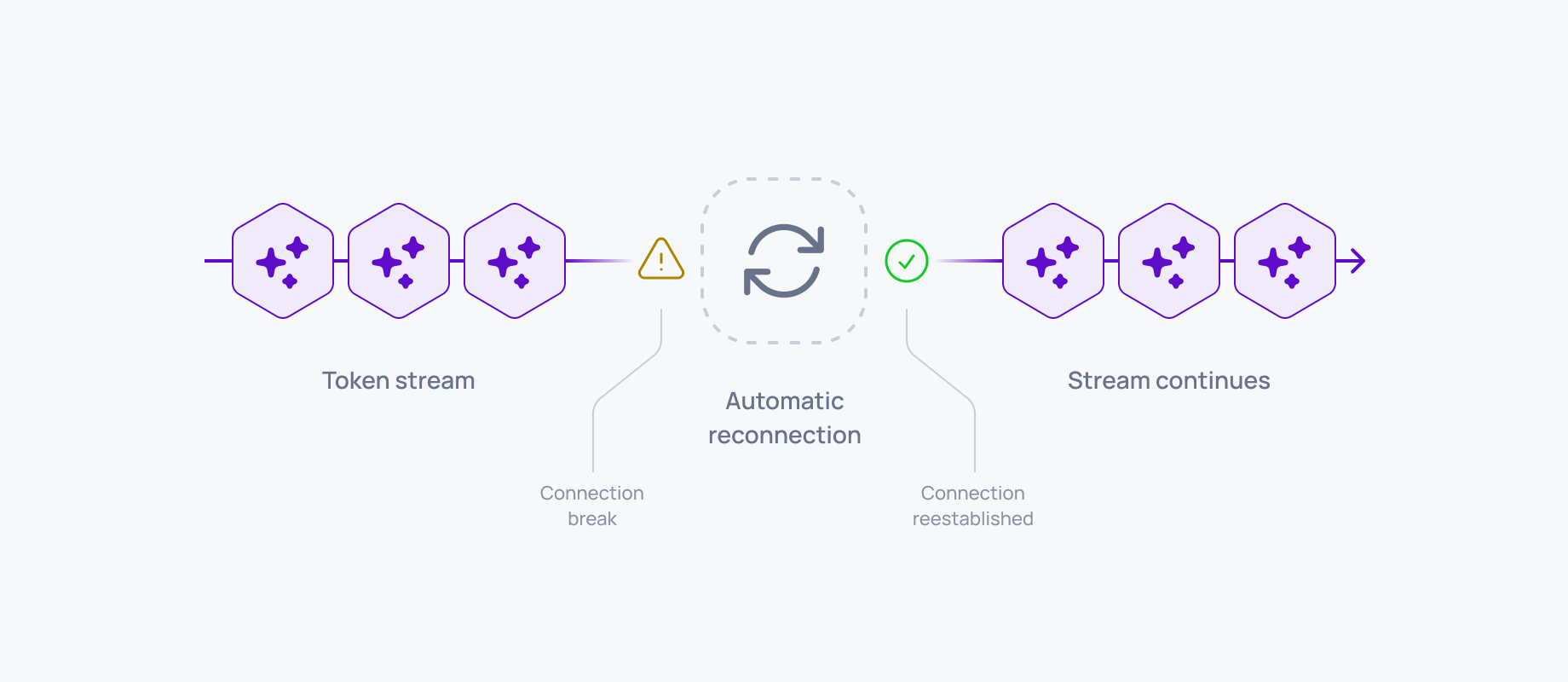
Ably AI Transport supports all five as a drop-in session layer, removing the need to build transport infrastructure from scratch. It does require Ably authentication integrated into your stack, so there is an additional setup step for teams not already on the platform.
Want to see how this works in practice? The AI Transport getting-started guide walks through the implementation with Vercel AI SDK in a few minutes.
How the desired experience maps to the transport layer
The table below breaks down what users expect from cross-device AI conversations, what your transport layer must support to deliver those experiences, and the technical mechanics that make it all work.
Cross device AI? You can ship it now.
Cross-device conversations are not a future capability. They are achievable today without rebuilding your stack.
Ably AI Transport provides persistent, identity-aware, streaming AI experiences across multiple clients as a drop-in session layer. If you are working on AI products where sessions need to survive device switches, agent handoffs, and network disruptions, the getting-started guide walks through the implementation with Vercel AI SDK in a few minutes.
For a deeper architectural walkthrough of how channel-based sessions solve the cross-device problem, see AI session continuity: how cross-device conversation sync works.
Frequently asked questions
What infrastructure do I need for multi-device AI?
Identity-aware fan-out, message ordering, session recovery, and presence tracking. For AI customer support, add human handoff: the session must persist when a human agent joins on a different device.
Does Vercel AI SDK support multi-device streaming?
Not natively. Vercel’s resumable streams handle page-reload recovery on a single device but do not provide multi-device fan-out. Vercel designed a pluggable ChatTransport interface so teams can bring their own transport for this capability. See why Vercel AI SDK can’t stream to multiple devices.
What happens to an AI support conversation when it escalates to a human agent?
If the session is tied to an HTTP connection, the handoff breaks. The human agent opens the session with no stream history, no conversation context from the AI’s work, and no shared state. A channel-based session layer makes the handoff invisible: the human agent subscribes to the same channel and gets the full session history immediately. See human-in-the-loop.