# Agent presence
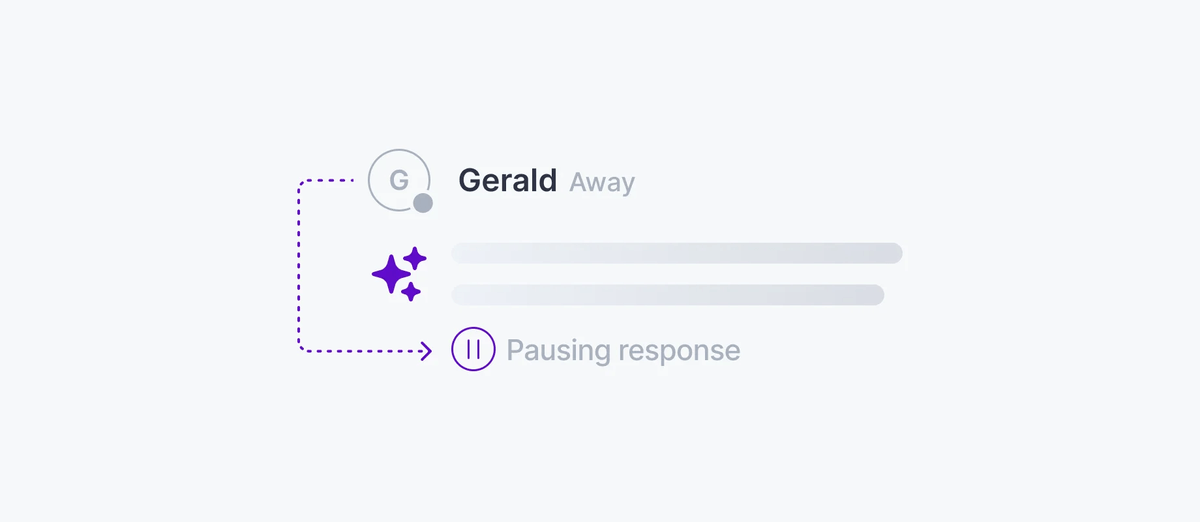
Your users see when the agent is thinking, streaming, idle, or offline. An agent self-reports its state on the session and every client sees it in realtime.
Agent presence lets every session participant see which agents are active and what they are doing. Agent presence uses Ably's native Presence through the `session.presence` object on the session. This works for a single orchestrator agent or a fleet of sub-agents, and can be used to show whether the agent is streaming, thinking, idle, or offline.
## How it works
Both [`ClientSession`](https://ably.com/docs/ai-transport/api/javascript/core/client-session.md) and [`AgentSession`](https://ably.com/docs/ai-transport/api/javascript/core/agent-session.md) expose presence directly as `session.presence`, with the standard `enter()`, `update()`, `leave()`, `get()`, and `subscribe()` operations. Presence operations attach the session for you, so you can call them without first awaiting `connect()`.
The agent enters presence with its initial status, then updates that status as it moves through a turn (receiving a message, thinking, streaming, finishing) and leaves when it shuts down. Every connected client receives those updates in realtime.
### Javascript

```
app.post('/api/chat', async (req, res) => {
  const invocation = Invocation.fromJSON(await req.json());
  const session = createAgentSession({ client: ably, channelName: invocation.sessionName, codec: createUIMessageSessionCodec() });
  await session.connect();
  const run = session.createRun(invocation, {}, { signal: req.signal });

  // Enter presence so every connected client sees what the agent is doing.
  await session.presence.enter({ status: 'thinking' });

  // Rebuild the conversation from run.view before run.start(): draining pages in
  // this run's triggering input (otherwise run.start() awaits it arriving live).
  while (run.view.hasOlder()) {
    await run.view.loadOlder();
  }
  const conversation = run.view.getMessages().map(({ message }) => message);

  await run.start();

  const result = streamText({
    model: openai('gpt-4o'),
    messages: conversation,
    abortSignal: run.abortSignal,
  });

  await session.presence.update({ status: 'streaming' });
  const { reason } = await run.pipe(result.toUIMessageStream());
  await run.end({ reason });

  await session.presence.leave();
  await session.end();
  res.json({ ok: true });
});
```
## Subscribe to agent status
On the client, subscribe to presence events to track the agent's current state as it changes:
### Javascript

```
const session = createClientSession({ client: ably, channelName, codec: createUIMessageSessionCodec() });

session.presence.subscribe((member) => {
  if (member.clientId === 'agent') {
    console.log(`Agent is ${member.data.status}`);
  }
});

const members = await session.presence.get();
const agent = members.find((m) => m.clientId === 'agent');
```
You can put whatever your UI needs into presence data: a coarse `status`, a progress percentage, the name of the tool the agent is currently calling.
## Combine presence with active runs
On the client, combine presence data with the active runs on the view for richer status indicators. Presence tells you the agent's self-reported state; `session.view.runs()` tells you which runs are actually in progress:
### Javascript

```
const { session } = useClientSession();
const { presenceData } = usePresenceListener({ channelName: 'ai:demo' });
const agent = presenceData.find((m) => m.clientId === 'agent');

const isStreaming = session.view.runs().some((r) => r.status === 'active');
const isIdle = agent?.data?.status === 'idle' && !isStreaming;
const isOffline = !agent;
```
Your UI can use those values to show a typing indicator while the agent thinks, a streaming animation while tokens arrive, and an offline badge when the agent disconnects.
## React
`ClientSessionProvider` (and `ChatTransportProvider`, which wraps it) renders an ably-js `` for the session's channel, so ably-js's presence hooks ([`usePresence`, `usePresenceListener`](https://ably.com/docs/getting-started/react.md#step-3)) work for any descendant without wrapping the subtree in your own ``. Read the agent's reported status straight from the presence set:
### Javascript

```
import { usePresenceListener } from 'ably/react';

function AgentStatus() {
  const { presenceData } = usePresenceListener({ channelName: 'ai:demo' });
  const agent = presenceData.find((member) => member.clientId === 'agent');

  if (!agent) return Agent offline;
  return Agent is {agent.data?.status};
}
```
## Edge cases and unhappy paths
- An agent that exits without calling `presence.leave()` (for example, a crashed process) is automatically removed from presence after a timeout. The agent is treated as present until the timeout fires. Wire a graceful shutdown that calls `leave()` for the best user experience.
- A serverless agent that comes up for one turn and tears down should enter and leave presence per turn; entering once and leaving once at the end is fine for a long-running agent.
- Presence updates do not guarantee strict ordering with the messages on the session. A `streaming` presence update sometimes arrives slightly after the first token. Render the UI from `session.view.runs()` for run-level state (active, suspended, terminal) and use presence for higher-level status the agent self-reports.
- Multi-agent setups need a unique `clientId` per agent. Two agents with the same `clientId` collide in the presence set.
- A client without `presence` capability cannot subscribe to updates. Capability scoping is part of [authentication](https://ably.com/docs/ai-transport/setup/authentication.md).
## FAQ
### Does presence consume a message?
Presence enter, update, and leave each consume a message on the channel, billed at the current [message rates](https://ably.com/docs/platform/pricing.md).
### Can clients enter presence too?
Yes. Presence is symmetric. A client that enters presence shows up alongside agents in the presence set. Use the `clientId` to distinguish them.
### How long does presence persist after a disconnect?
Until Ably's presence timeout fires (currently around 15 seconds). Active connections are not affected; this is for ungraceful disconnects.
### What is the difference between presence and the view's active runs?
Presence is self-reported by the agent. Any participant can read the run lifecycle events on the session with `session.view.runs()`. Both together produce richer status.
### Can I pause inference when no users are connected?
Yes. Subscribe to presence and check whether any non-agent participants are present. If none, end the run or short-circuit the LLM call.
## Related features
- [Presence](https://ably.com/docs/presence-occupancy/presence.md): the Ably Presence API used for agent status.
- [Sessions](https://ably.com/docs/ai-transport/durable-sessions/sessions.md): `session.presence` on the client and agent sessions.
- [Concurrent runs](https://ably.com/docs/ai-transport/streaming/concurrent-runs.md): tracking active runs across clients.
- [Multi-device and fan-out](https://ably.com/docs/ai-transport/streaming/multi-device.md): presence works across every connected device.
## Related Topics
- [LiveObjects state](https://ably.com/docs/ai-transport/channel/liveobjects.md): Let an AI agent read what the user is doing, and let the user see what the agent is doing, with shared state on the AI Transport session channel via Ably LiveObjects.
- [Push notifications](https://ably.com/docs/ai-transport/channel/push-notifications.md): Notify users when AI agents complete background tasks with Ably Push Notifications. Reach users even when they're offline.
## Documentation Index
To discover additional Ably documentation:
1. Fetch [llms.txt](https://ably.com/llms.txt) for the canonical list of available pages.
2. Identify relevant URLs from that index.
3. Fetch target pages as needed.
Avoid using assumed or outdated documentation paths.